How to Automatically Pull, Sync, and Analyze Your Amazon "Suppressed Listings" Report in Google Sheets
A "Suppressed" listing is the silent killer of Amazon sales. Your product is in stock, your price is right, but customers can't find it. Amazon has hidden it from search results because of a missing image, a title violation, or a lack of product attributes. You are paying storage fees for a product that is effectively invisible. The Listing Quality and Suppressed Listing Report is your fix-it list. This guide shows you how to stop flying blind. We'll cover how to automatically pull your Suppressed Listings report directly into Google Sheets to build a live "Visibility Guardian" dashboard.

How to Automatically Sync & Import the Suppressed Listings Report to Google Sheets (The Hopted Way)
Using an Amazon to Google Sheets integration like Hopted, you set up the connection once, and your data flows automatically.
Step 1.
Install the Hopted browser extension and sign in using your Google Account.
Step 2.
Securely connect your Amazon Seller Central to Google Sheets using Hopted's integration wizard.
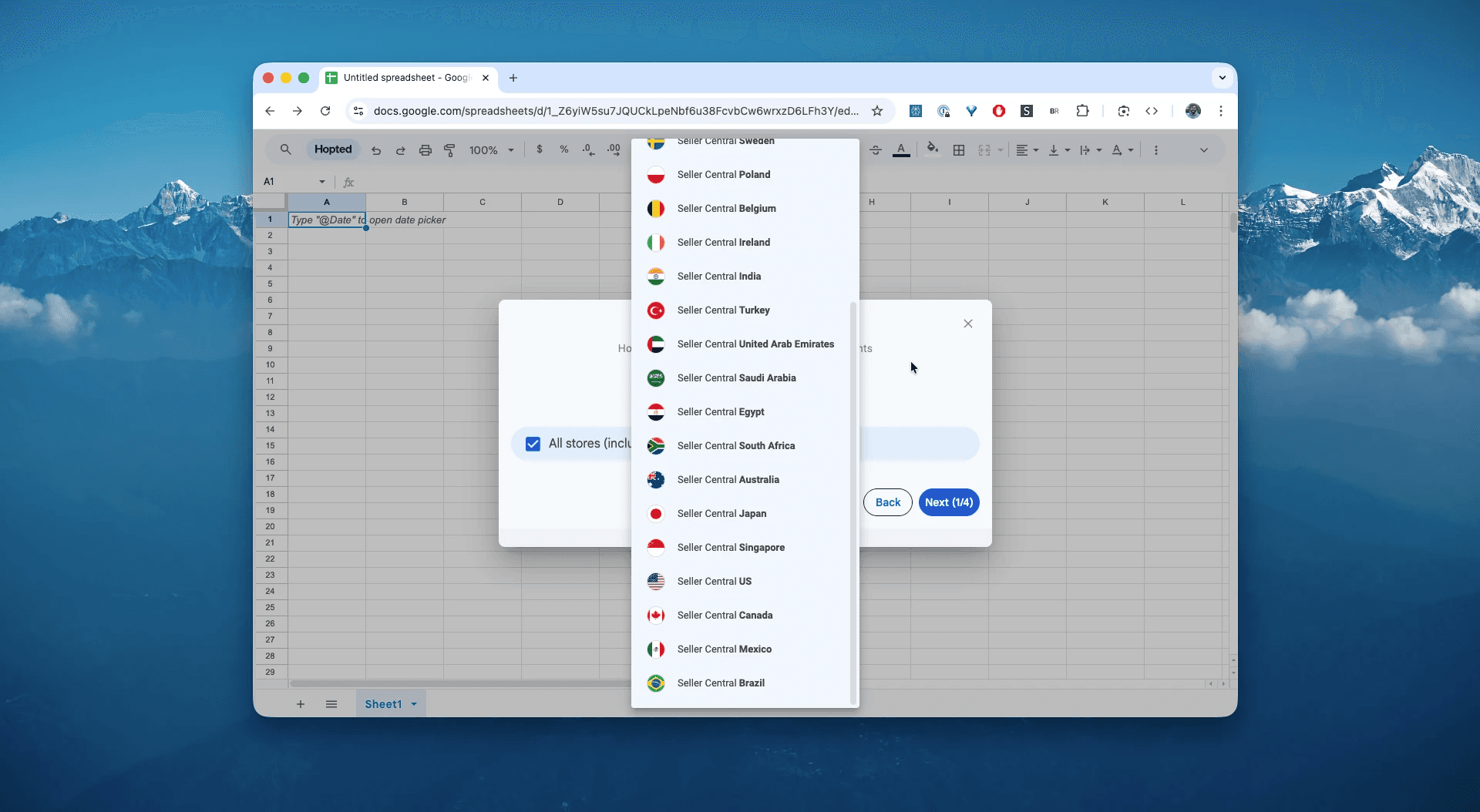
Step 3.
In Google Sheets, from the list of available Amazon Seller Central reports, select "Suppressed Listings".
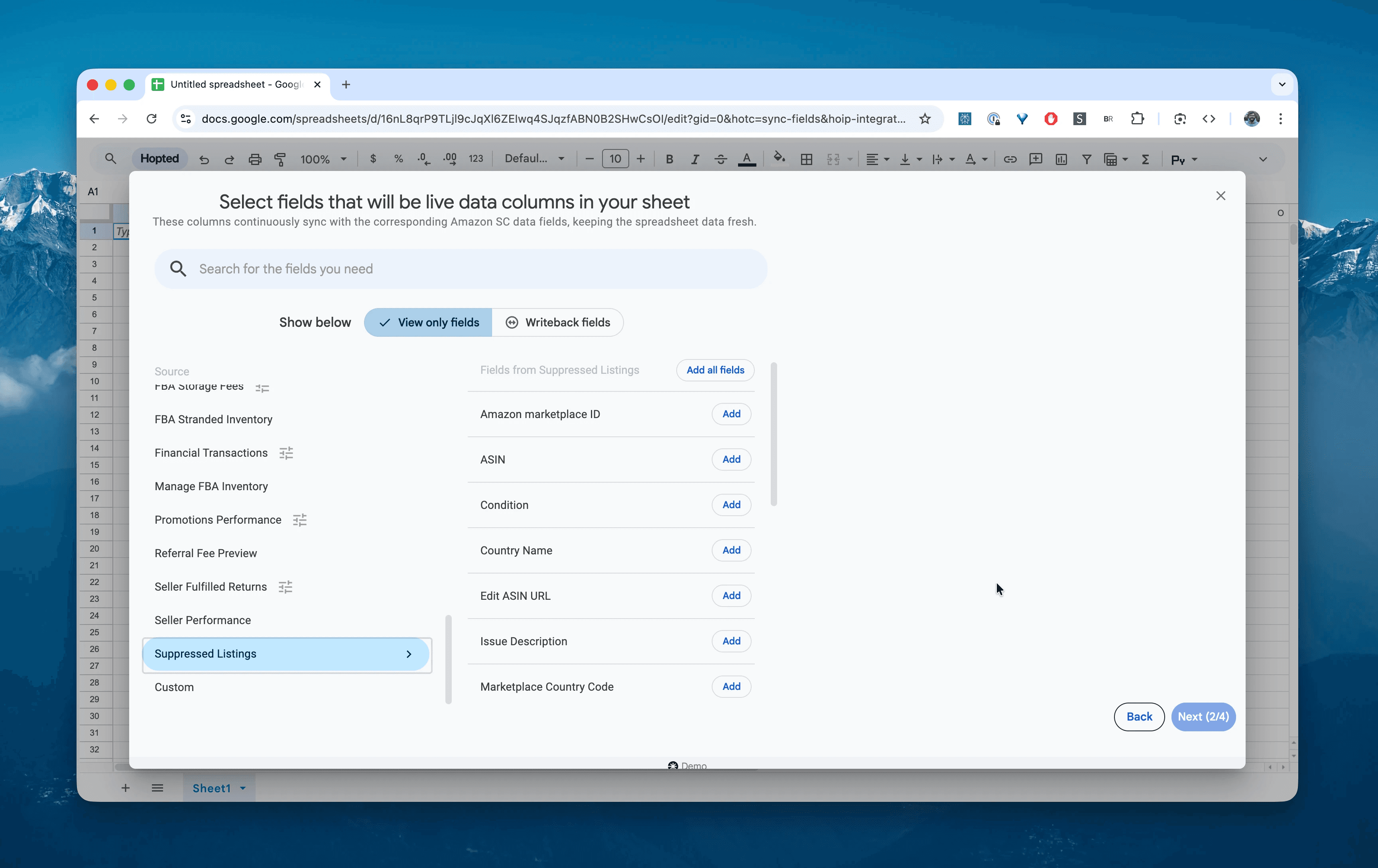
Step 4.
Select columns that you need: sku, asin, product-name, alert-type, field-name, current-value, and explanation.
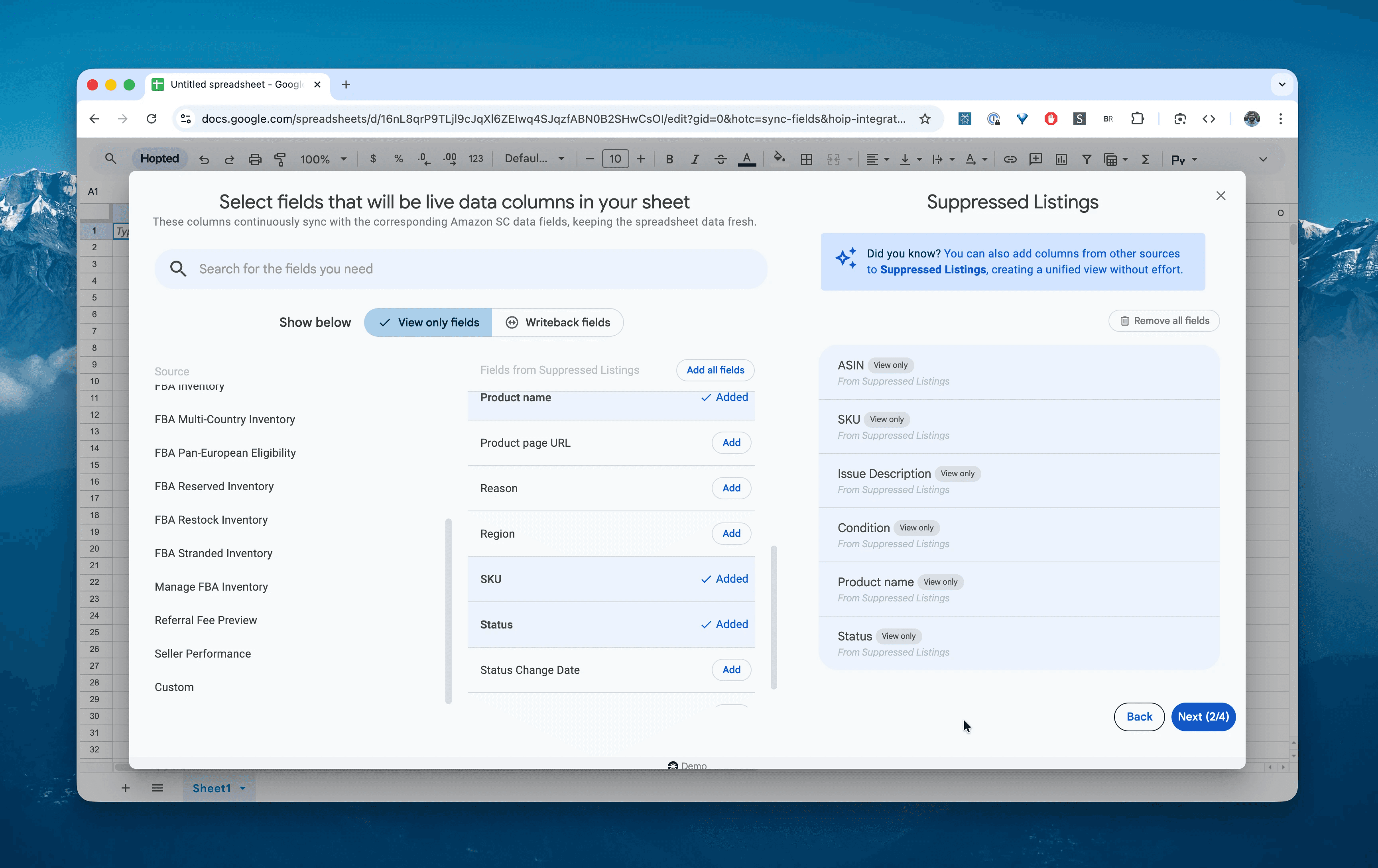
Step 5.
Set your schedule. Choose how often you want to export and refresh your suppression alerts—we recommend a Dailyschedule. Amazon's style guides change frequently, and a compliant listing today could be suppressed tomorrow.
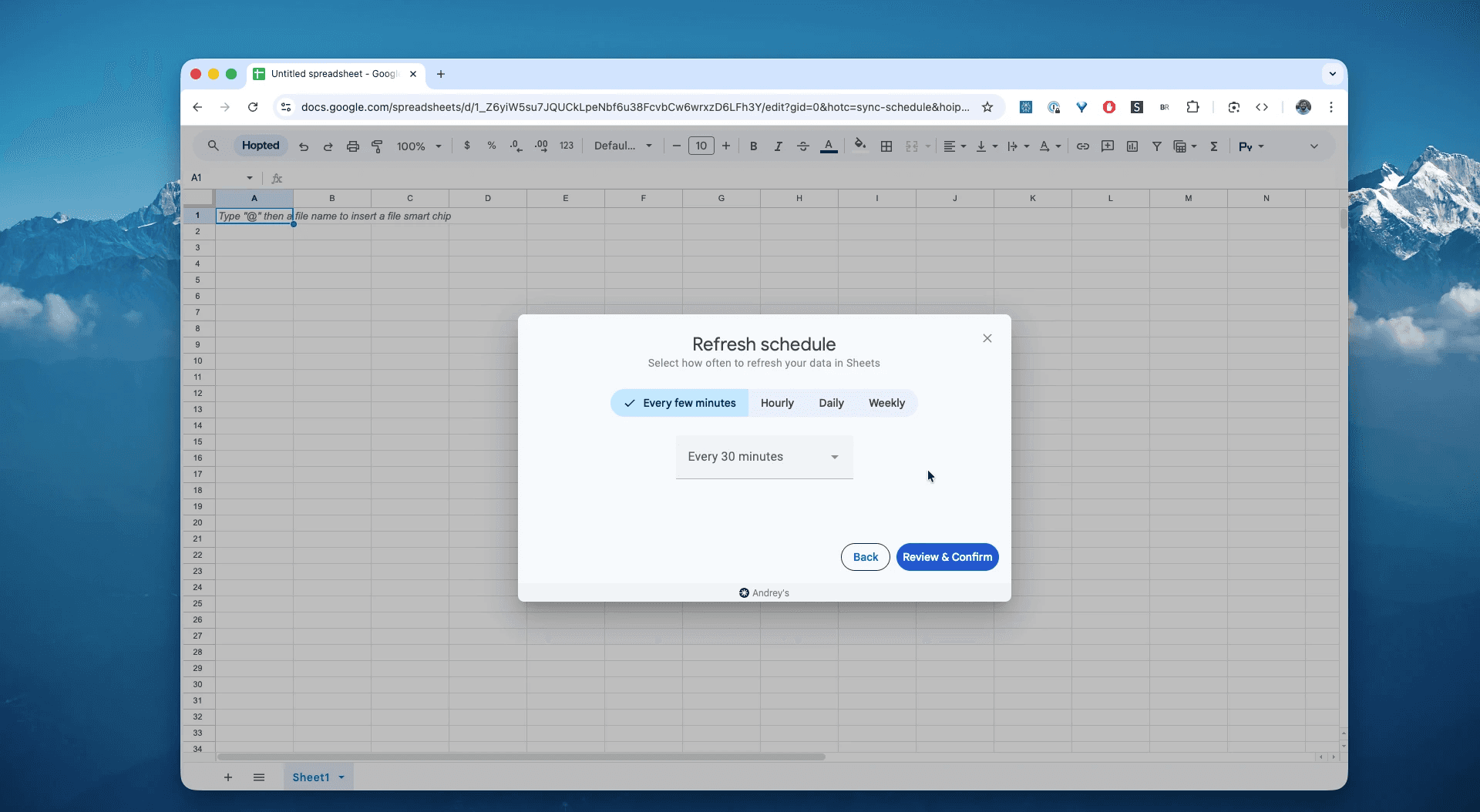
Step 6.
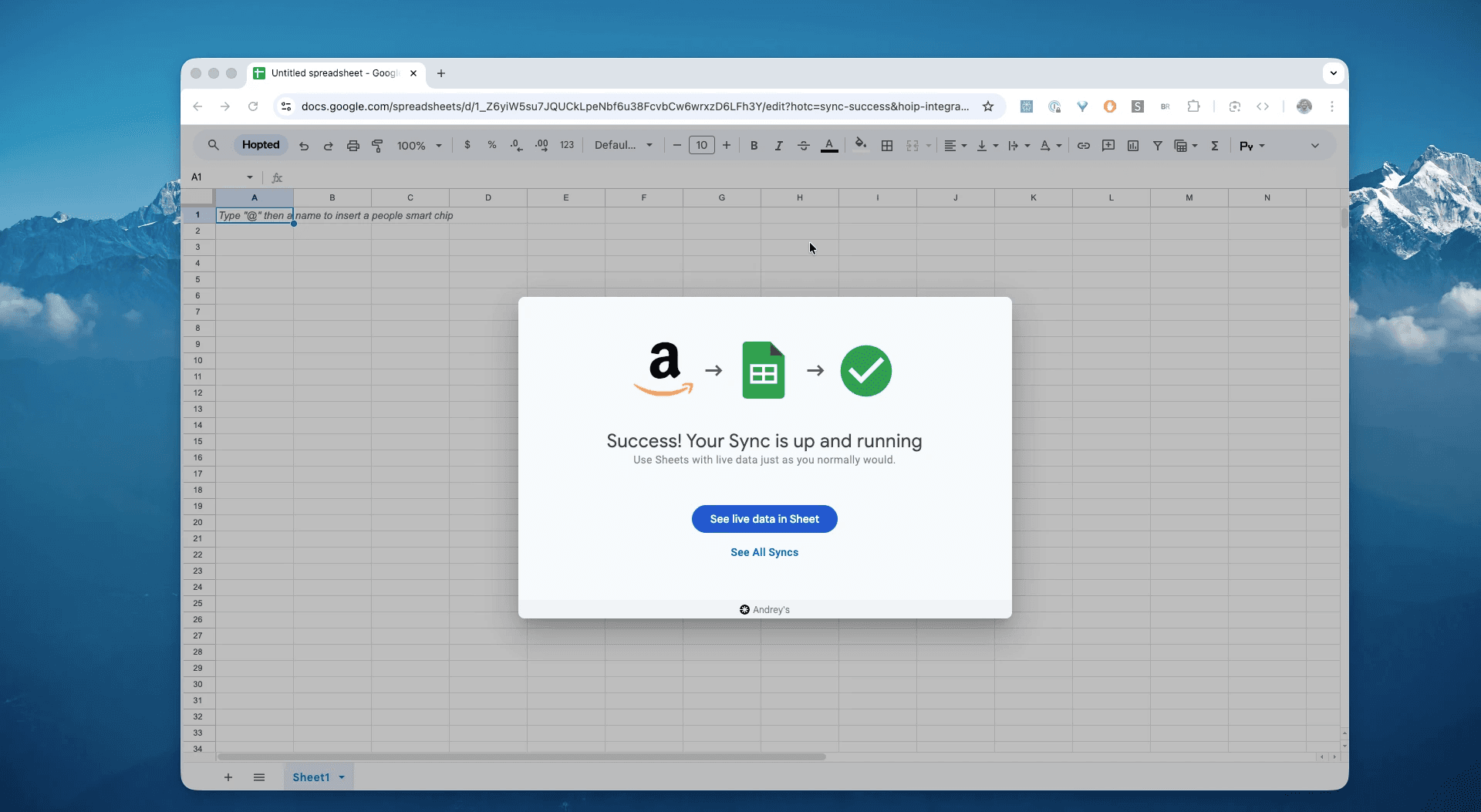
Save your data pipeline. This will export your listing defects from Seller Central into spreadsheets instead of dealing with CSVs. Your visibility audit will be up to date forever.
What is the Amazon Suppressed Listings Report?
This report identifies every product in your catalog that Amazon has removed from search results due to a "quality" violation.
While "Stranded Inventory" means the listing is broken entirely, "Suppressed" usually means the listing exists but fails a specific standard (e.g., "Main Image must be on a white background"). The product might still be buyable via a direct link, but organic traffic drops to zero.
This makes it the single source of truth for answering questions like:
Why did sales for my top SKU drop by 90% overnight?(Answer: It might be suppressed).Which listings are missing a "Main Image," causing them to be hidden?Do I have products missing mandatory attributes like "Unit Count" or "Material Type"?Is my title too long (over 200 characters), causing a search ban?
How to Analyze & Track Your Suppressed Listings in Spreadsheets
Now that you have a live feed, you can move from data entry to data analysis. This is the real power of analyzing your Amazon Seller Central data in spreadsheets and building your Amazon excel-like template.
Here are 3 Amazon spreadsheet template ideas you can build immediately:
Template 1: The "Image Police" Dashboard
The most common cause of suppression is a non-compliant Main Image (e.g., non-white background, text on image).
How to build it:
Filter: Filter for rows where
field-namecontains "main_image_url" oralert-typecontains "Image".Action: Create a "To-Do" list for your graphic designer with the ASIN and the specific error message.
What it shows you: A prioritized list of products that are invisible solely because of a bad photo. Uploading a compliant image fixes these instantly.
Template 2: The "Attribute Defect" Tracker
Amazon frequently adds new mandatory fields (e.g., "Country of Origin," "Shirt Size System"). When they do, thousands of legacy listings get suppressed at once.
How to build it:
Pivot Table: Rows =
field-name(The missing attribute). Values =COUNT of sku.What it shows you: If you see 500 errors for
shirt_size_system, you know Amazon updated the clothing category requirements. You can now fix these in bulk using an Inventory Loader file rather than editing them one by one.
Template 3: The "Visibility Score"
How healthy is your catalog?
How to build it:
Formula: Count the number of unique ASINs in this Suppressed Report.
Compare: Divide that number by the total Active ASINs in your Active Listings Report (pulled via Hopted in a separate tab).
What it shows you: Your "Suppression Rate." If 10% of your catalog is suppressed, you are effectively paying a 10% tax on your potential revenue. Aim to keep this number at 0%.
Common workflows this report unlocks
Pre-Holiday Audit: Run this report weekly in October to ensure no listings get suppressed right before Black Friday due to minor data errors.
Outsourcing Fixes: Share this Google Sheet with a Virtual Assistant (VA). They can see exactly which fields are missing (
field-name) and go into Seller Central to fix them without needing full admin access.Bulk File Creation: Use the data from the
skuandfield-namecolumns to construct a "Partial Update" flat file, allowing you to fix thousands of suppressions in one upload.
FAQ about Amazon Suppressed Listings
Q: What is the difference between "Suppressed" and "Stranded" inventory?
Suppressed: The listing is active but hidden from search (e.g., bad image). You can usually still buy it if you have the link.
Stranded: The listing is broken or inactive. Customers cannot buy it at all, even with a link. Stranded inventory requires immediate removal or a listing fix.
Q: Will fixing the error reinstate the listing immediately? Usually, yes. Once you update the missing information (e.g., upload a white-background image), Amazon's system typically re-indexes the listing within 15 minutes to 24 hours.
Q: Does this report show "Search Suppressed" items due to price? Sometimes. However, listings suppressed because of "High Pricing Errors" (price gouging) often appear in the Stranded Inventory report or the "Pricing Health" dashboard rather than this quality report.
Q: Can I sell a suppressed item via PPC ads? generally, no. If a listing is suppressed, it is ineligible for Sponsored Products ads. This is a double whammy: no organic visibility and no paid visibility.
Q: How is Hopted different from other Amazon seller software? Most Amazon tools force you into their rigid dashboards and pre-built reports. You have to change your workflow to fit their software. With Hopted it is the opposite. It’s a flexible data automation layer that works directly inside your existing spreadsheets (like Google Sheets). Instead of forcing you to learn a new system, Hopted brings all your scattered Amazon data (sales, inventory, orders, etc.) right to you. You can build the fully custom reports and automations you need, not the ones a rigid tool dictates.
Amazon Seller Central report reference
Source note: Links in this reference section point to Amazon Seller Central report and help documentation where available.
Amazon research shows an improved shopping experience when listings have complete product information, with images, category (item-type), titles (parent titles), and price per unit (PPU) along with less than 80 characters for apparel, shoes, and luggage categories and 130 characters for all other categories.
This makes it easier for customers to find, evaluate, and purchase products. As a result, we will hide (or suppress) from search and browse non-media listings that do not meet certain standards. This means that a customer will not be able to find a listing in search if that listing is suppressed.
Suppressed child listings
Amazon will also suppress the following incomplete listings, including:
Child listings in Shoes without:
- A Department value
- A Size value
- A Color value
- Child listings in Jewelry with:
- A missing or invalid Department value, except for Jewelry Accessories
- Incomplete or invalid Material type, Metal type, Gem type, and Pearl type specifications, except for Jewelry Accessories (as of August 1, 2017)
- A UPC (if the brand is on the Major jewelry brands list)
- Child listings in Watches and Luggage without:
- A Department value
- Child listings in Consumables (Grocery, Beauty, Pets, and Health & Personal Care) without:
- A unit count and value
Suppressed images
These requirements also apply to listings with variations. For example, if a listing has different sizes, its parent SKU and child SKUs for each size must meet the requirements above.