





Stop downloading Amazon CSVs. Automate report imports and exports in Google Sheets.

Set scheduled refreshes and your spreadsheet stays synced with Amazon.
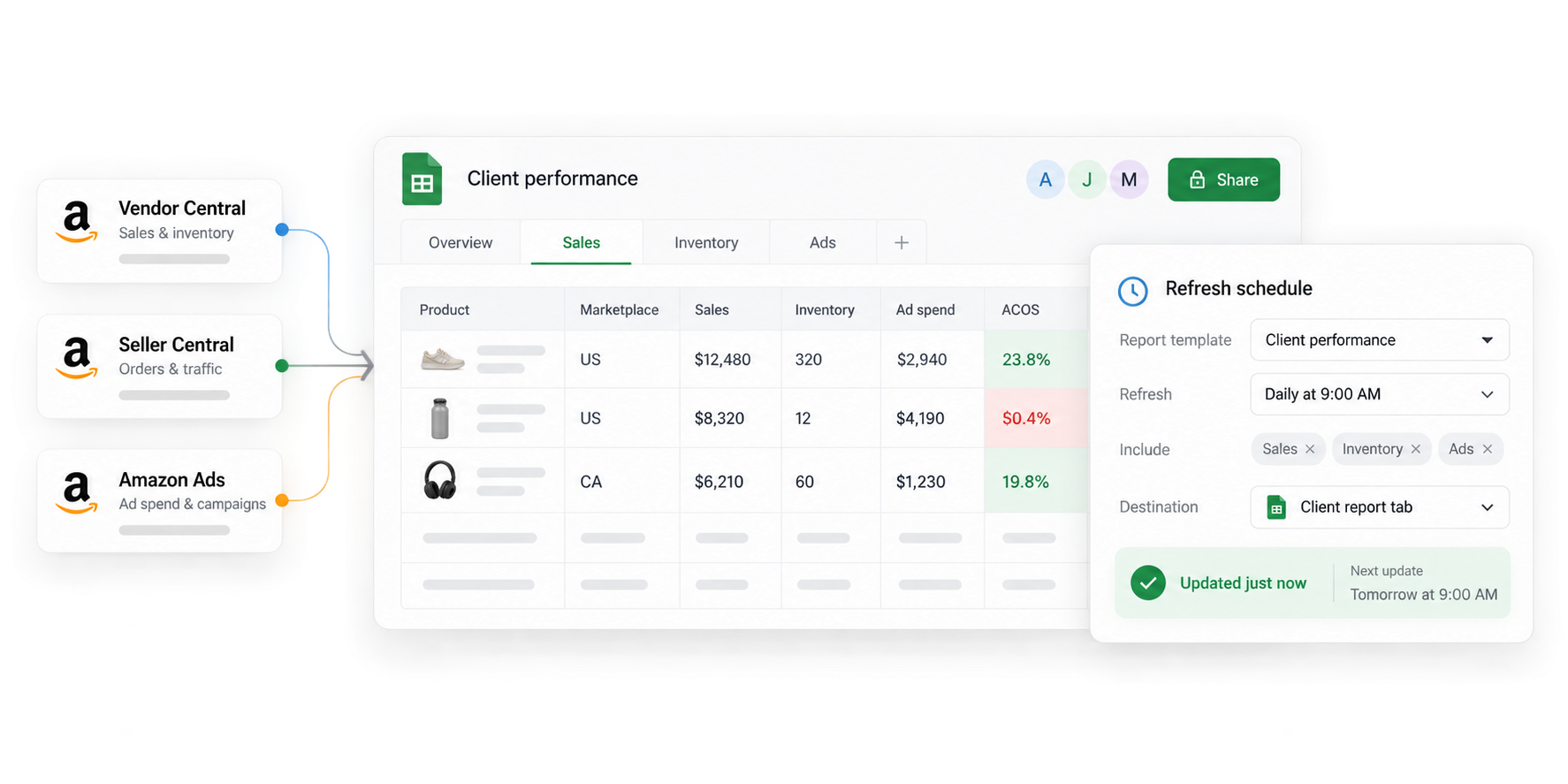
Vendor Central, Seller Central, and Amazon Ads reports refreshing a shared Google Sheets workbook on a daily schedule

Trusted every day by modern Amazon teams

SoftwareSuggest Best for Small Businesses SoftwareSuggest Easy Implementation Amazon Ads Verified Partner Amazon Seller and Vendor Central Software Partner SourceForge Customers Love Us

Connect live Amazon data

No API docs. No engineering. Just ask our AI to pull the data—or point and click.

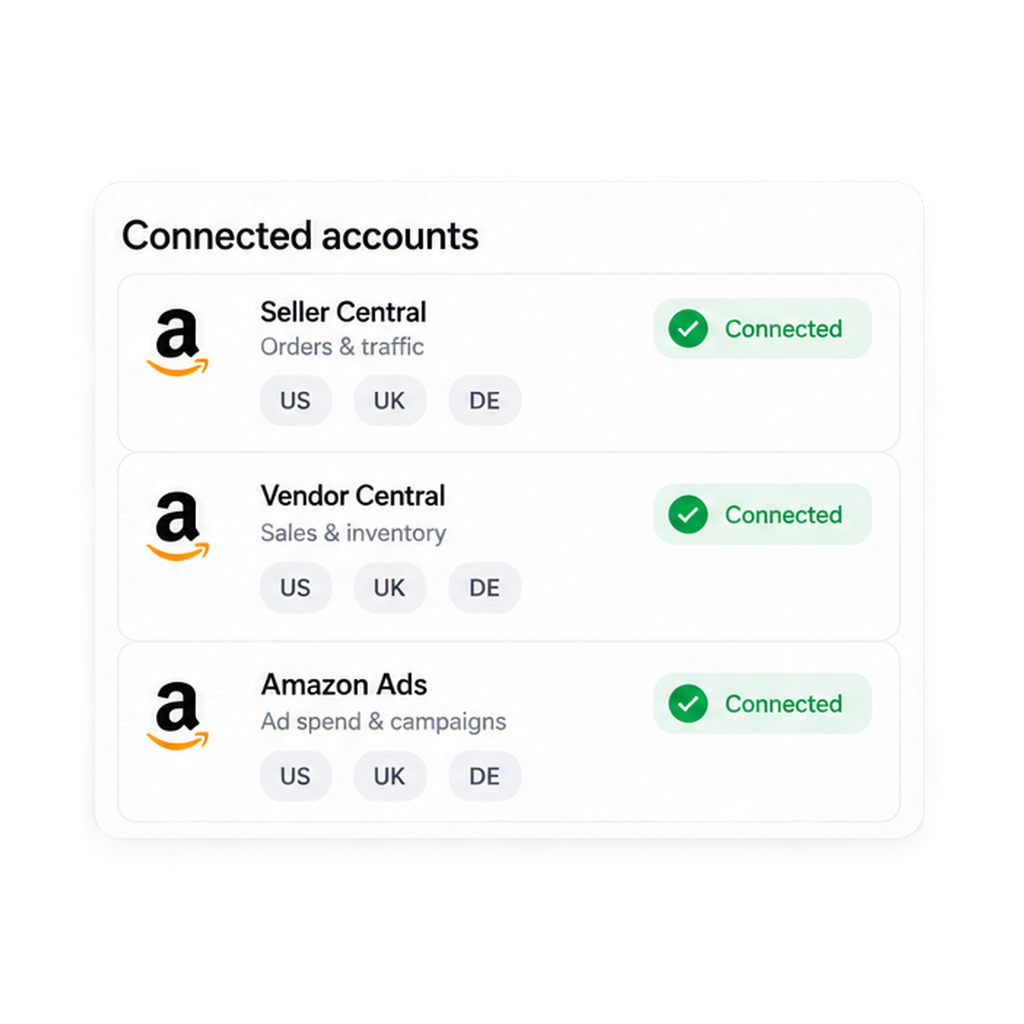
3 Amazon connectors

Seller Central, Vendor Central, and Amazon Ads import side by side in a single spreadsheet.
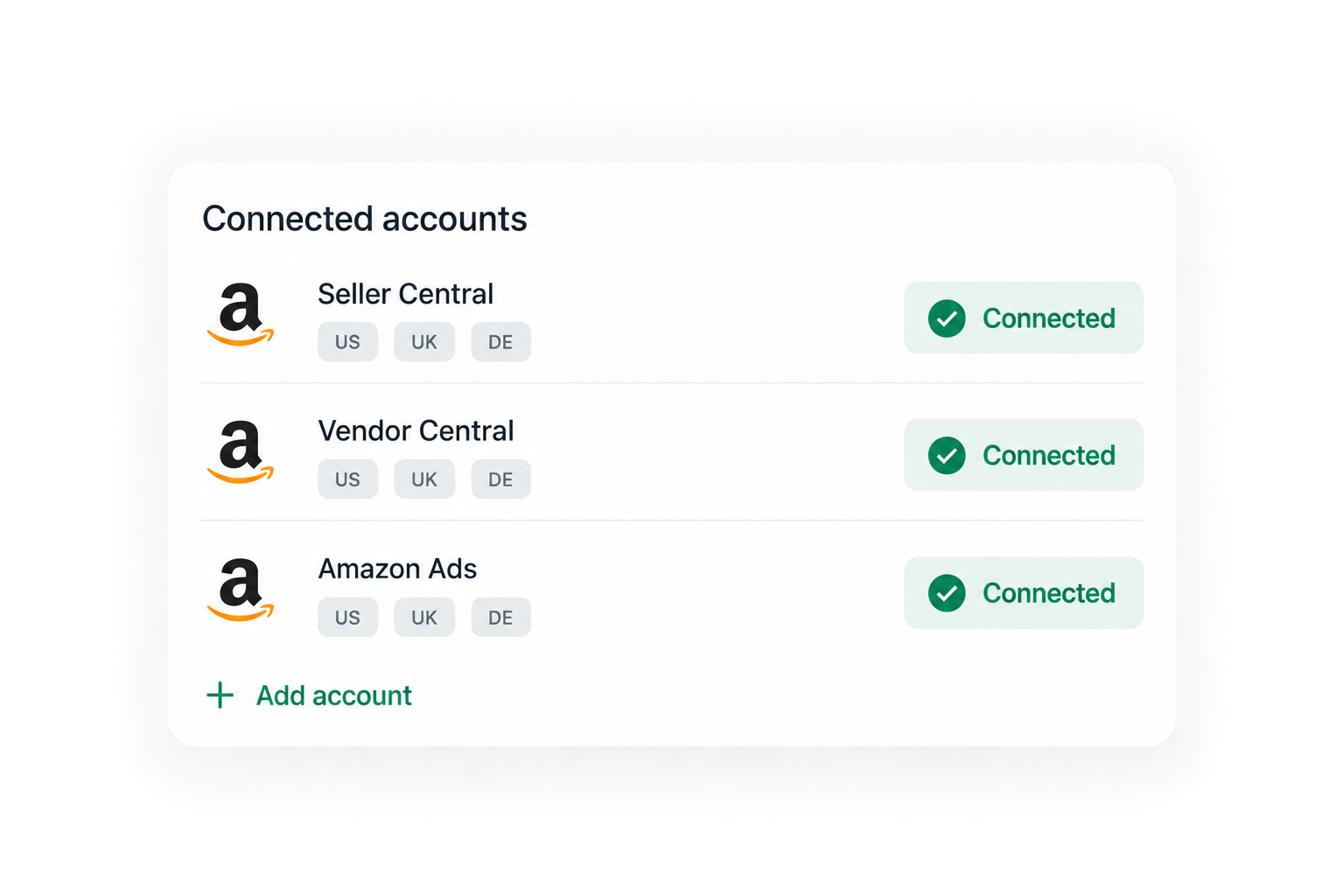
Seller Central, Vendor Central, and Amazon Ads connected across US, UK, and DE marketplaces

Refresh data on your schedule

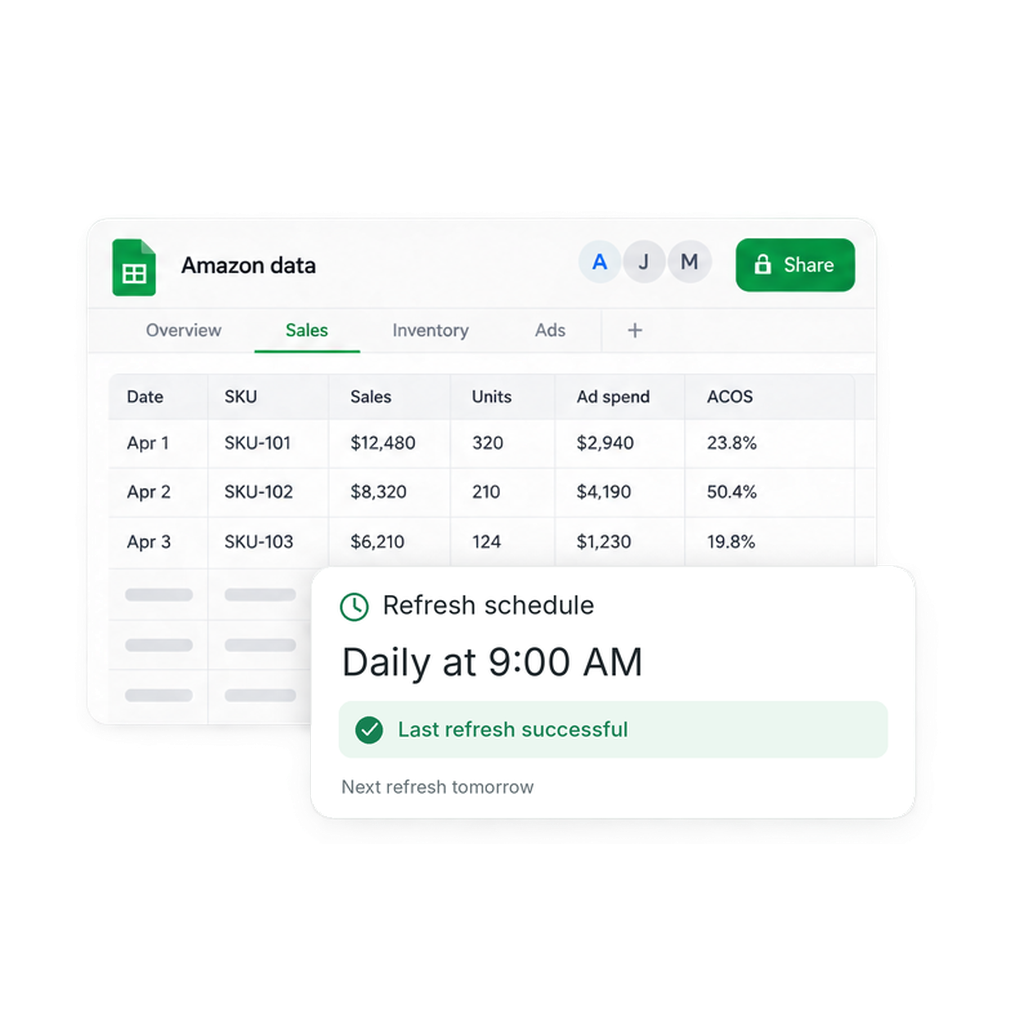
Set it and forget it. Data stays current without downloads, copy-paste, or manual reruns.
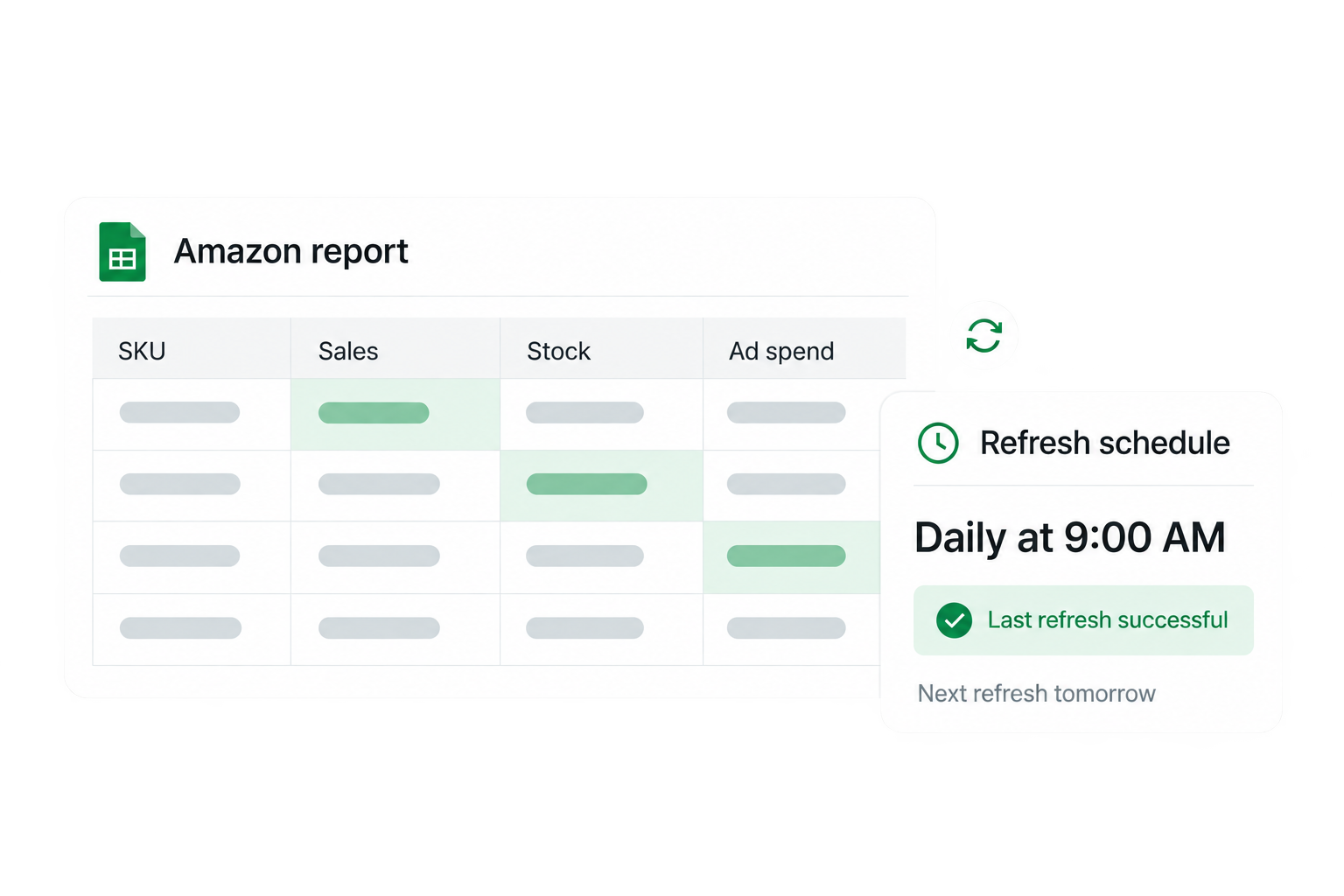
Amazon data spreadsheet with a daily 9 AM refresh schedule and successful last refresh

Combine reports into one view

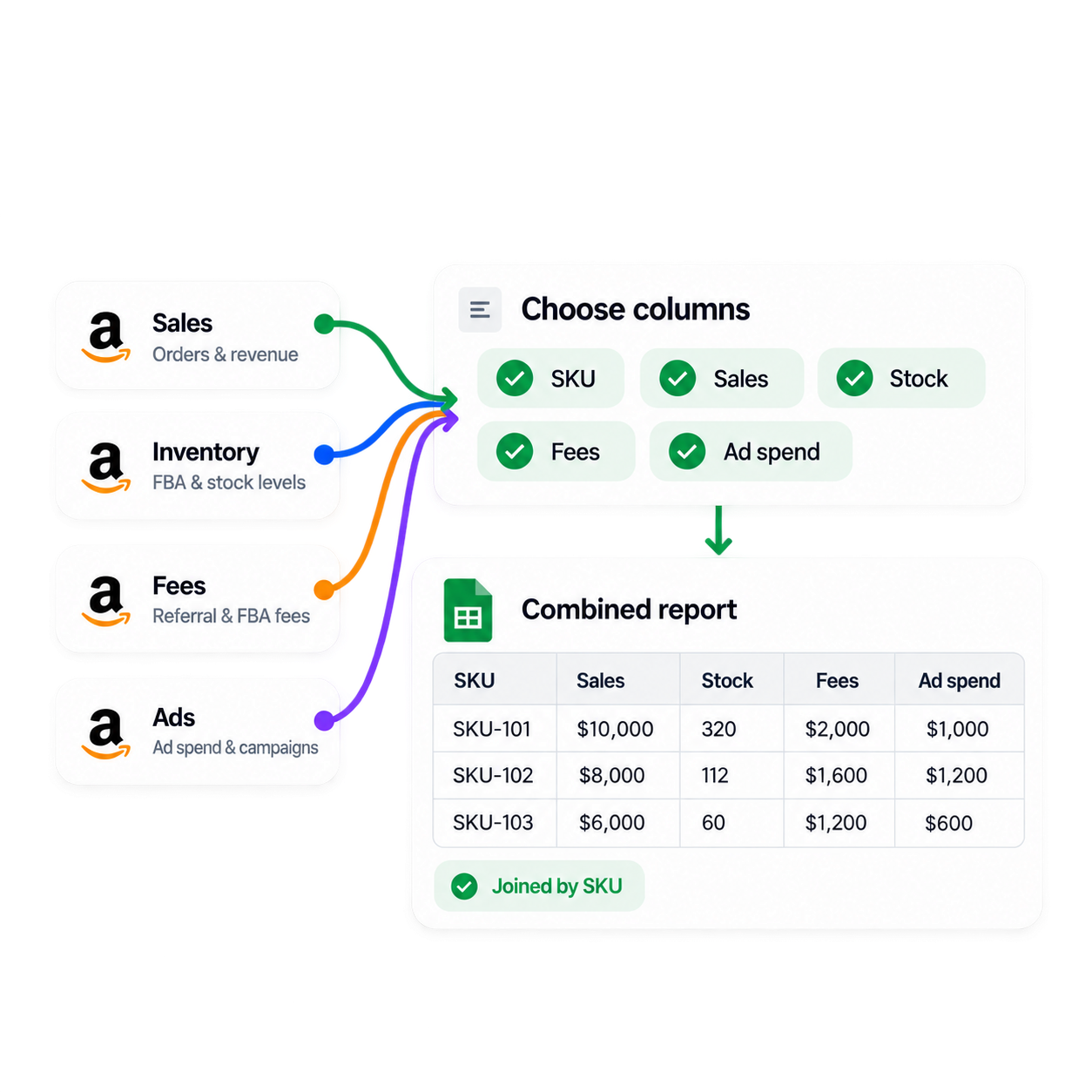
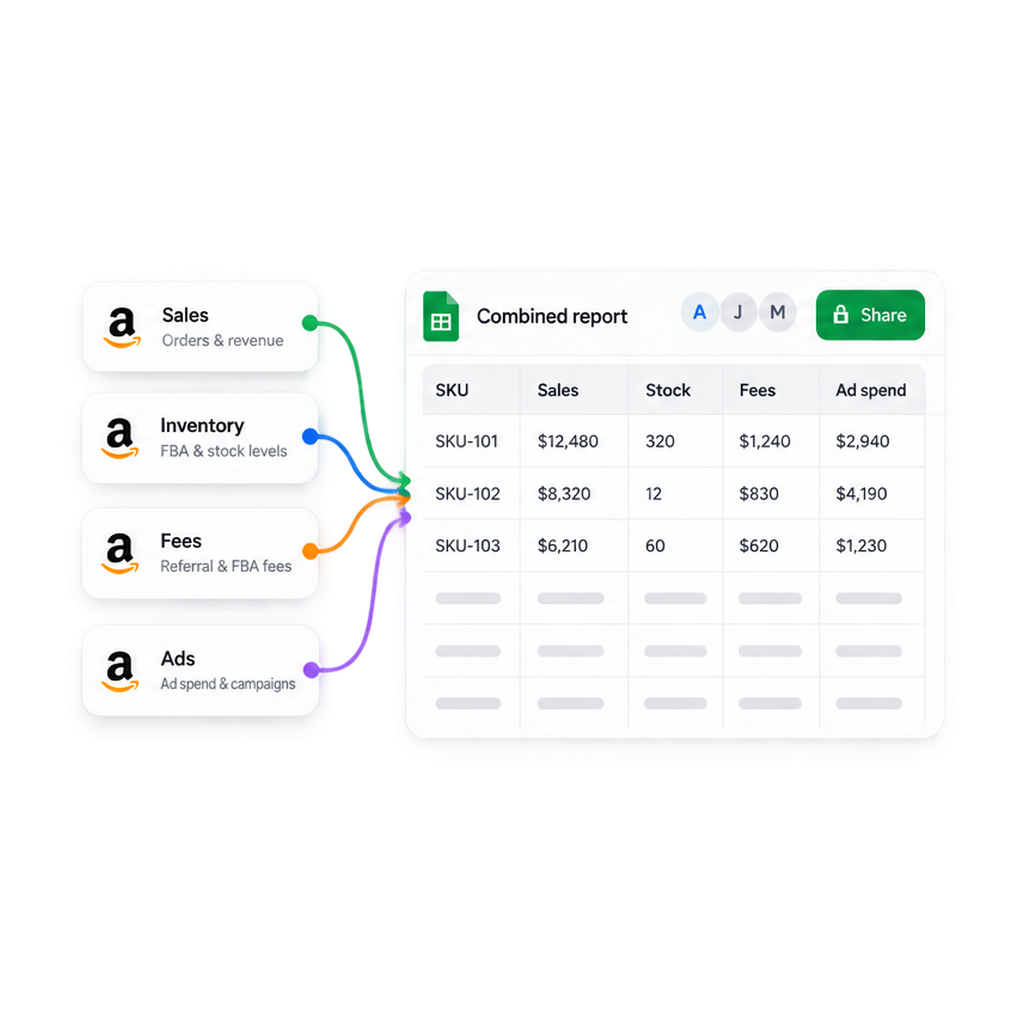
Join sales, inventory, fees, returns, and advertising data into custom reports built around the decisions your team makes.
Sales, inventory, fees, and ads flowing into one combined Google Sheets report

Incremental updates

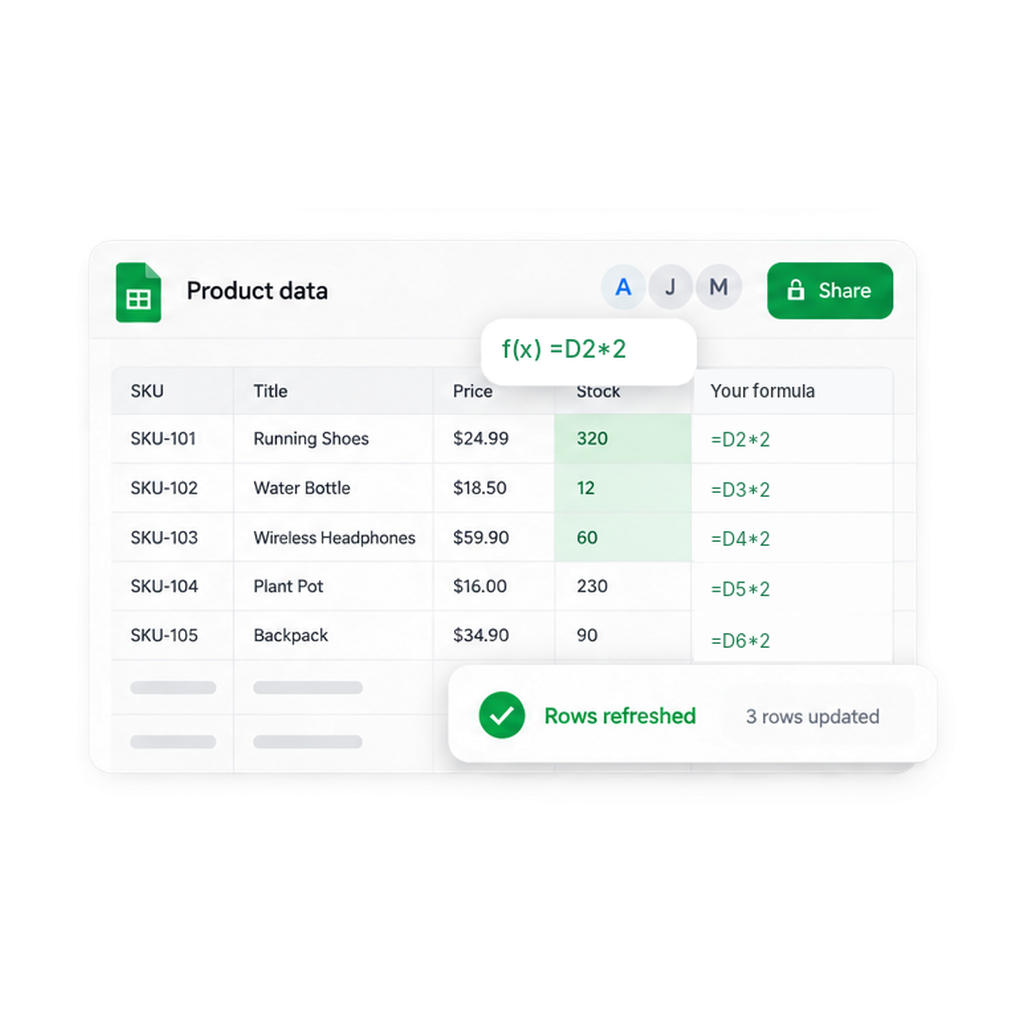
Your Sheet structure—column order, renamed headers, formatting, notes, and formulas—stays untouched.
Three refreshed stock rows beside unchanged product columns and spreadsheet formulas

76 Amazon reports you can auto-import today

Pick whole reports, or select the individual fields—1P, 3P, and PPC numbers finally sit in the same workbook.

Seller Central

Listings (Product page details) Listing problems Listing Edits — writeback ↗ Orders & updates AWD inventory & inbound shipments Repeat purchase behavior Business reports FBA fees & surcharges Referral fee preview FBA inventory overview FBA inventory ledger FBA Reserved Inventory FBA Restock Inventory FBA Stranded Inventory FBA Multi-Country Inventory FBA Pan-European Eligibility FBA inbound FBA returns & reimbursements FBA removals Financial transactions Promotions performance Seller performance & feedback Seller-fulfilled returns
Vendor Central

Repeat purchase behavior Listing details Promotions performance Forecasting Inventory Real-time inventory Net pure product margin Purchase orders Sales Real-time sales Traffic Real-time traffic

Amazon Ads

Brand metrics Campaign performance — all ad types Ad group performance Sponsored Brands ads Advertised product performance Audience performance Sponsored Brands placements Gross & invalid traffic Purchased product attribution Search term reports Targeting reports — all ad types

Need a shape Amazon does not publish? Hopted allows combining several sources into one custom report and import that instead.

Who is Hopted for?

Amazon private label sellers and brand owners Amazon vendors FBA sellers Manufacturers Fulfillment By Merchant (FBM) sellers Agencies working with Amazon Selling Partners Resellers Virtual assistants

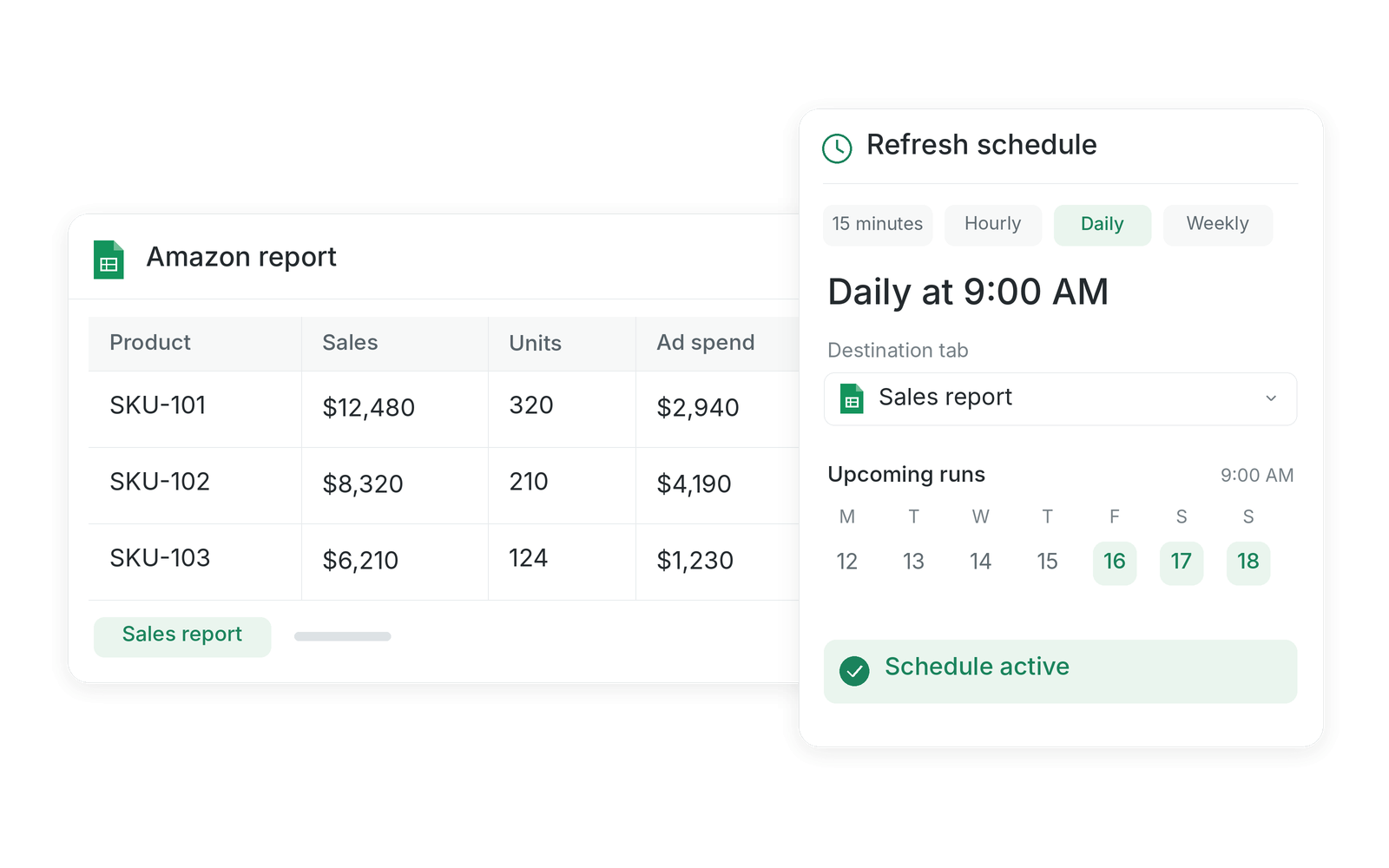
Schedule the export once. Never request it again.

Hopted runs each import in the background on the interval you choose, from every 15 minutes to weekly.

Set a refresh interval

Every 15 minutes, hourly, daily, or weekly. Point each report at a target tab and the pull happens whether or not the sheet is open.
Amazon report with an active daily refresh schedule and upcoming runs

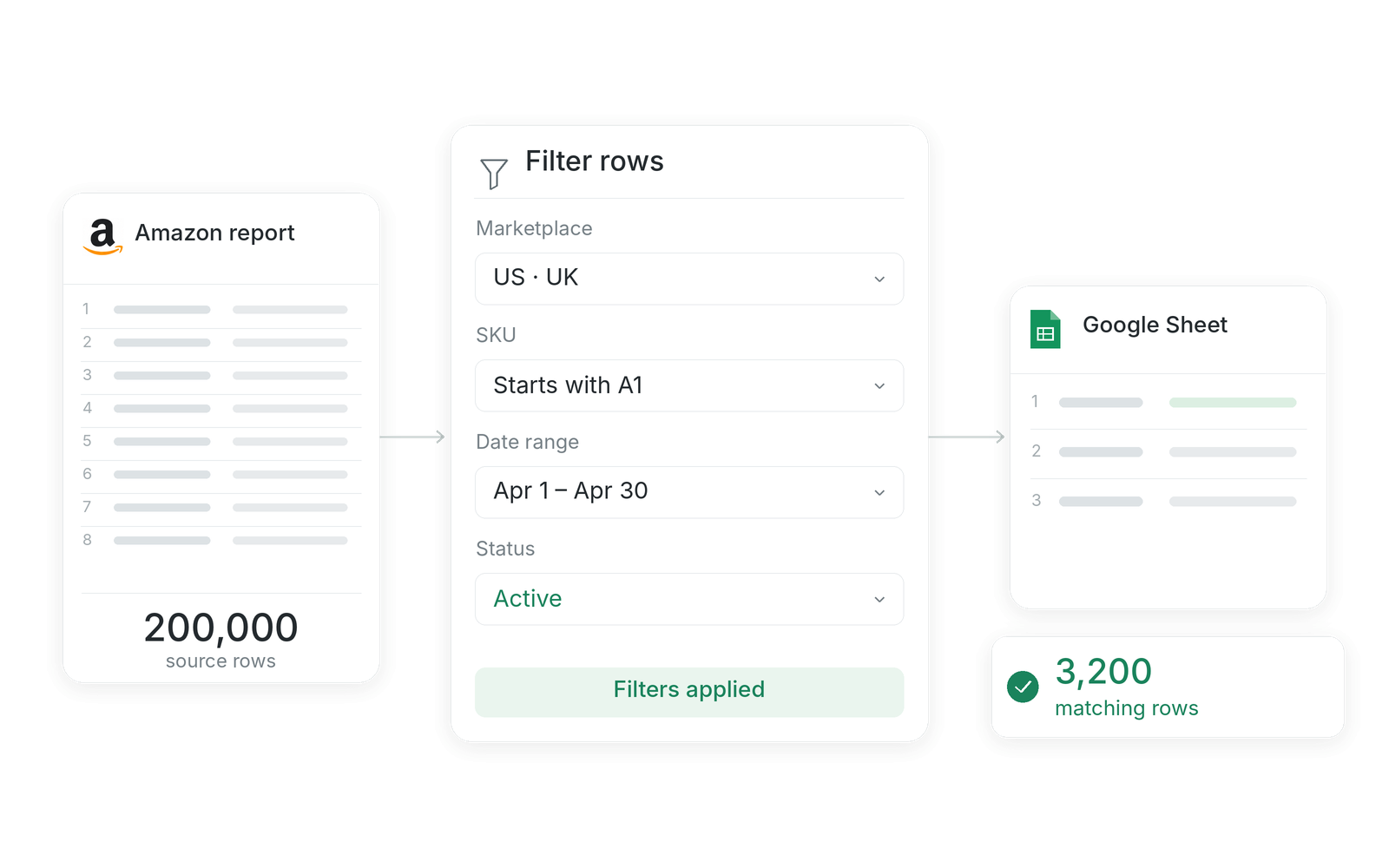
Import only the rows you need

Filter by marketplace, SKU, date range, or status before the data lands, so a 200,000-row report becomes the few thousand rows your workflow actually uses.
Amazon report filtered by marketplace, SKU, date range, and status before matching rows reach Google Sheets

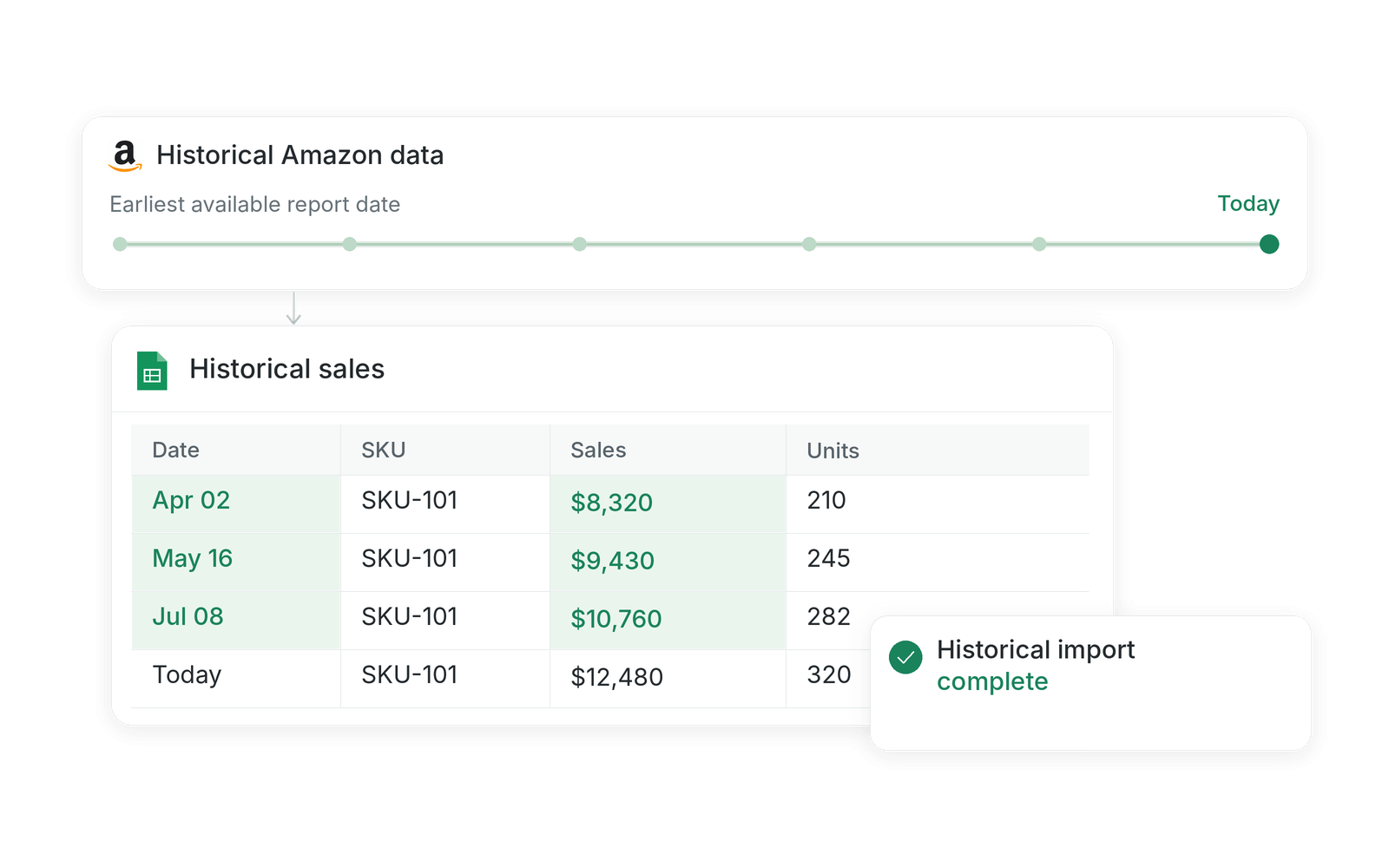
Backfill historical Amazon data

Load historical data on the first run instead of stitching together a folder of old exports, as far back as Amazon's retention window allow.
Historical Amazon report dates backfilled into a sales spreadsheet

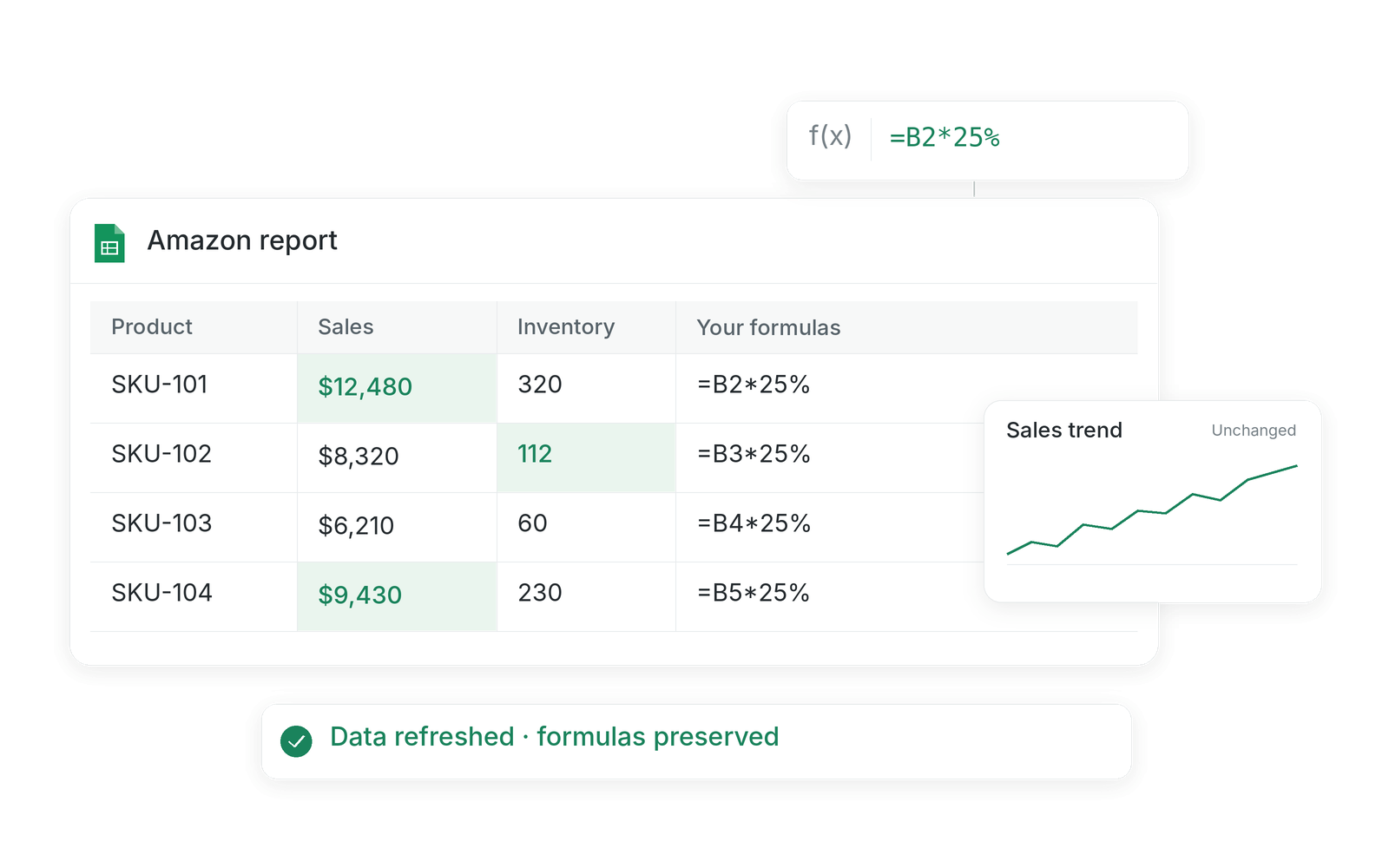
Refreshes without overwriting your formulas

Hopted makes pinpoint cell updates. Your column order, formulas, charts, notes, and formatting stay exactly where you put them.
Amazon report refreshed while spreadsheet formulas and sales chart remain unchanged

Consolidate multiple Amazon accounts in Google Sheets

Every brand, client, marketplace, and region lands in the same workbook, instead of a folder full of exports.

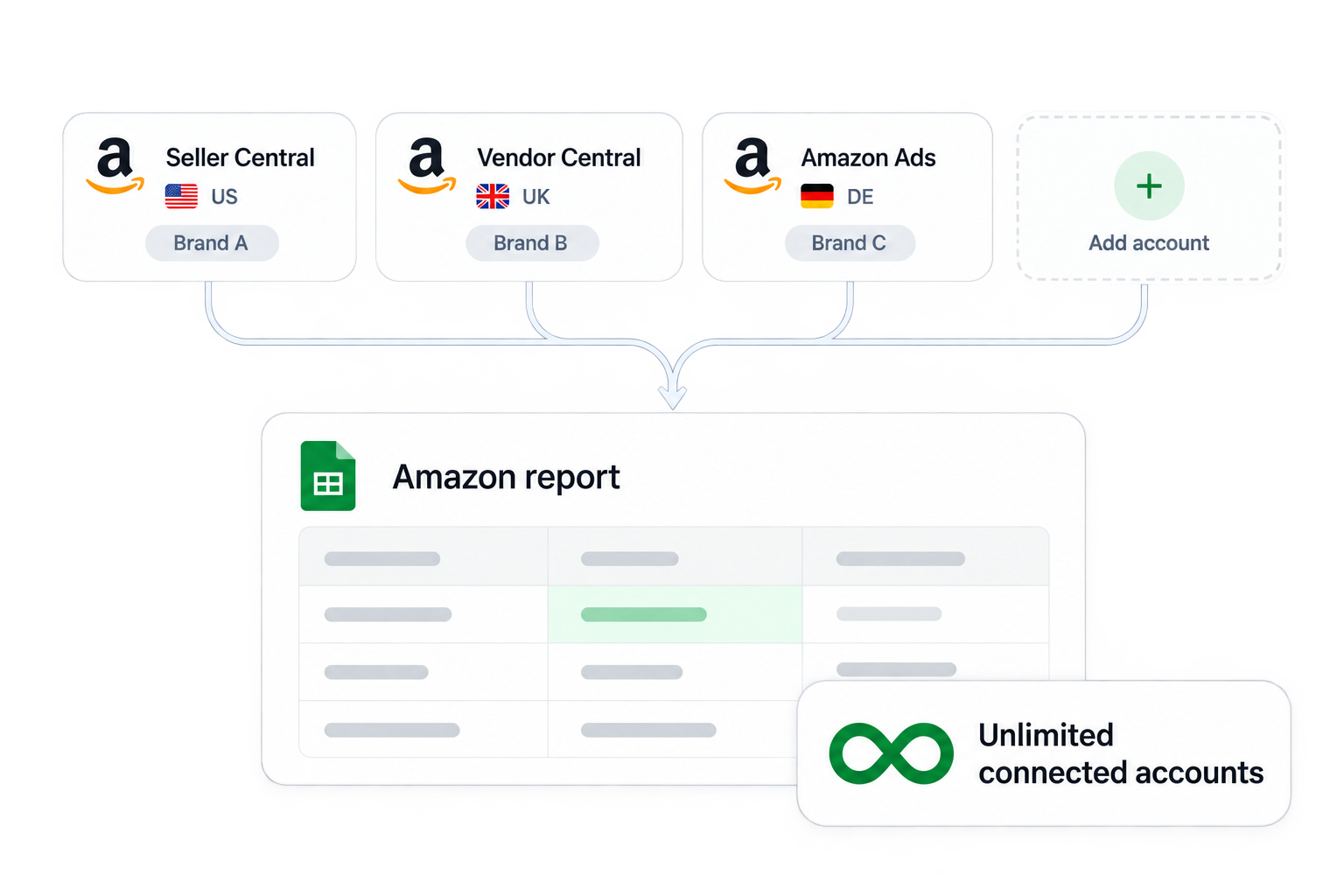
Connect your whole Amazon business

Connect an unlimited number of Seller Central, Vendor Central, and Amazon Ads accounts to the same Hopted account.
Seller Central, Vendor Central, and Amazon Ads accounts from three marketplaces feeding one Google Sheets report

One auto-import gets you multiple reports

Pull the same report from the US, UK, DE, JP, and every other Amazon marketplace, with no additional effort.

1P and 3P side by side

Put Vendor Central shipped COGS next to Seller Central revenue and reconcile total demand for a SKU across both models in one place.

Built for agencies and aggregators

Add a new client account and their reports start flowing on the same schedule as everyone else's. No new spreadsheet, no new process.

Merge reports Amazon keeps apart

The value is rarely in one export. It is in inventory next to sales, fees next to margin, and ad spend next to revenue.

Custom combined reports

Automatically join data from multiple reports and multiple sources into a unified tab built around the decisions your team makes, not around Amazon's report catalogue.

Sales, inventory, fees, and ads pass through a column selector into one report joined by SKU

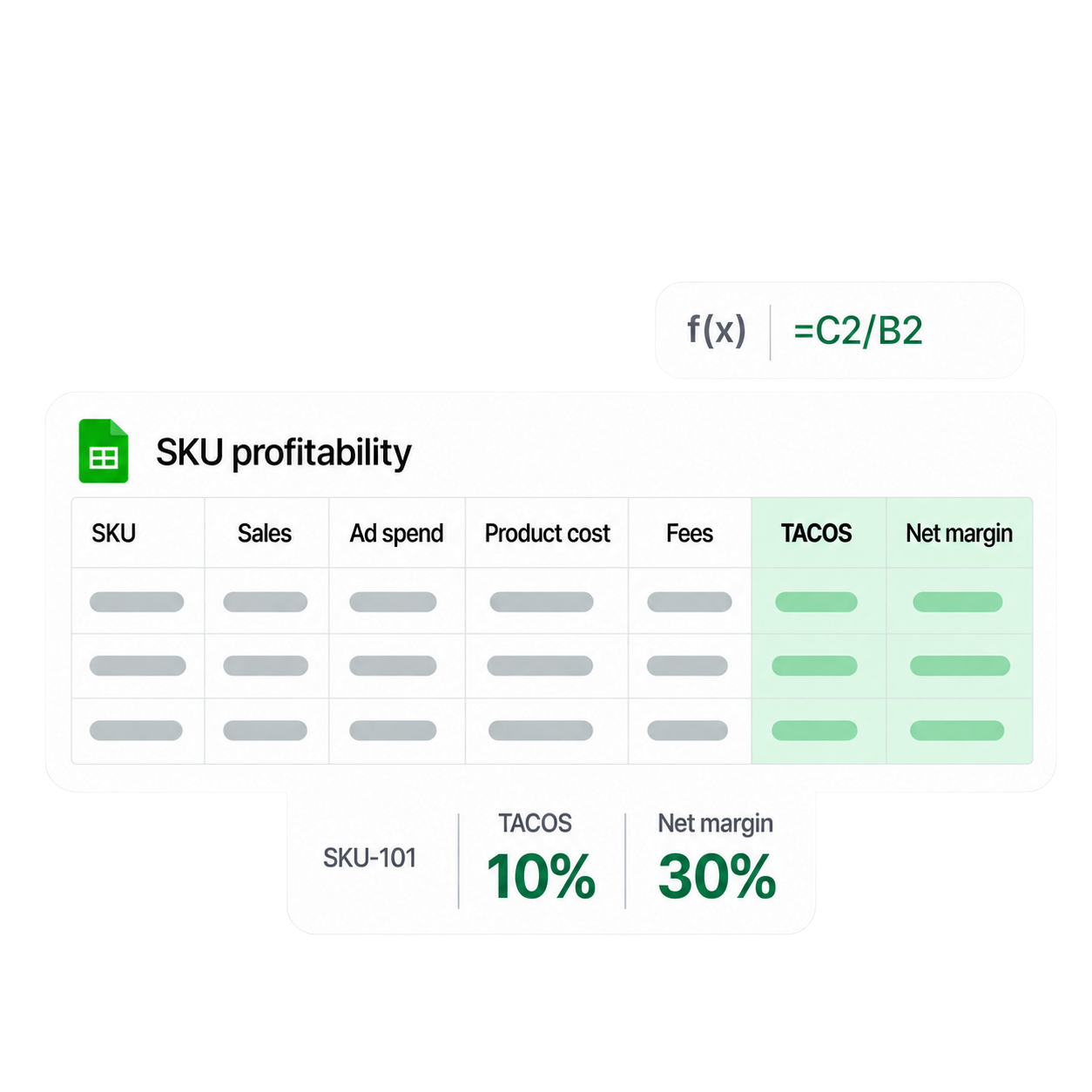
True TACOS and per-SKU margin

Ads spend from the PPC connector, revenue from Seller Central, and your own cost of goods in the same rows, so total ACOS and real net margin become a formula instead of a monthly project.

SKU profitability spreadsheet with placeholder cells, a TACOS formula, and TACOS and net margin summaries

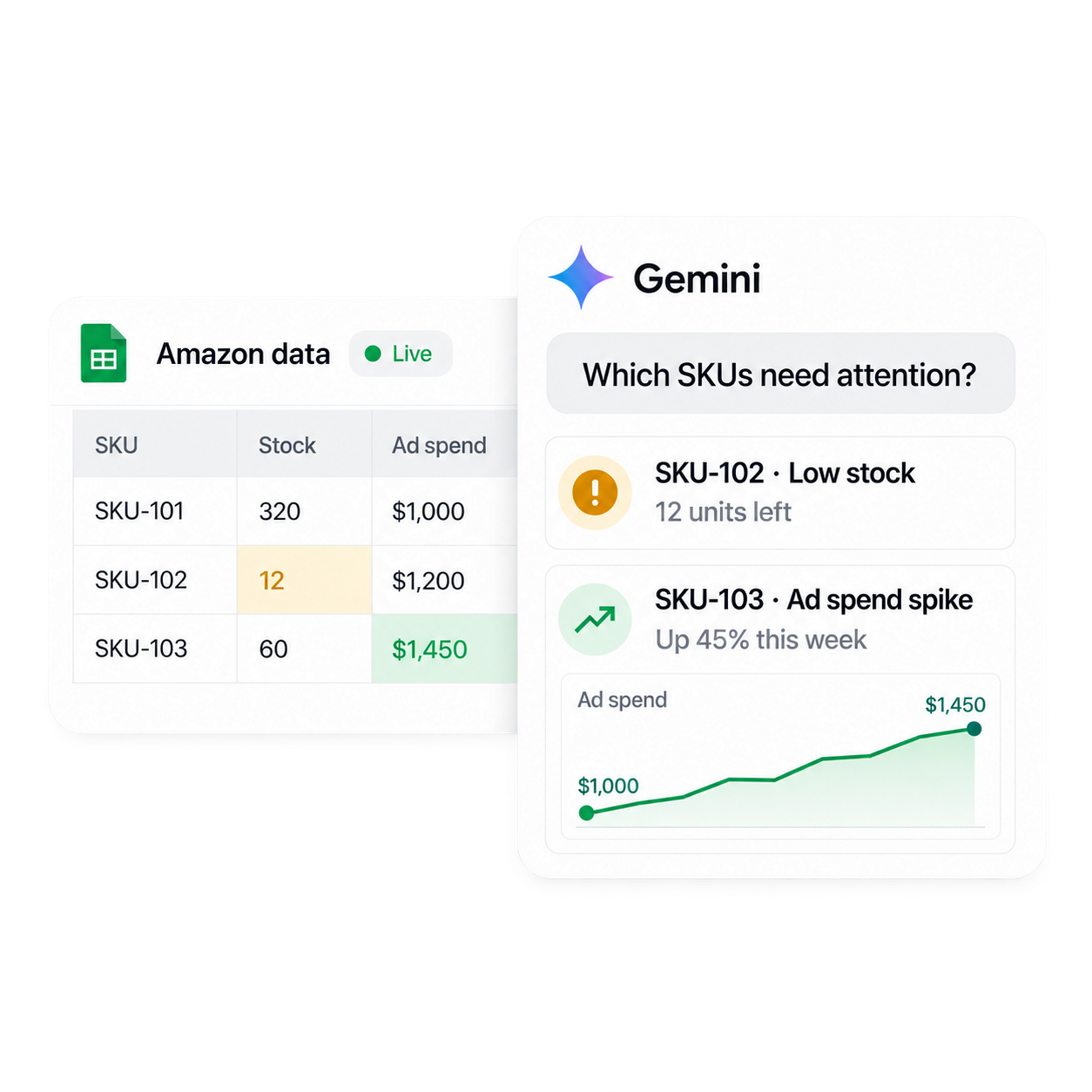
Ask AI what the data means

Once the data is live in Sheets, use Gemini to detect anomalies, forecast inventory, and surface patterns across sales, fees, and advertising.

Gemini identifies low stock and an ad spend spike beside live Amazon data in Google Sheets

How does Hopted’s Amazon data connector work?

Complete the setup in less than 5 minutes.
Step 2

Connect one or more Amazon accounts

Authorize Seller Central, Vendor Central, and Amazon Ads with a few clicks.
Seller Central, Vendor Central, and Amazon Ads accounts connected across US, UK, and DE marketplaces
Step 3

Setup with AI assistant or point and click

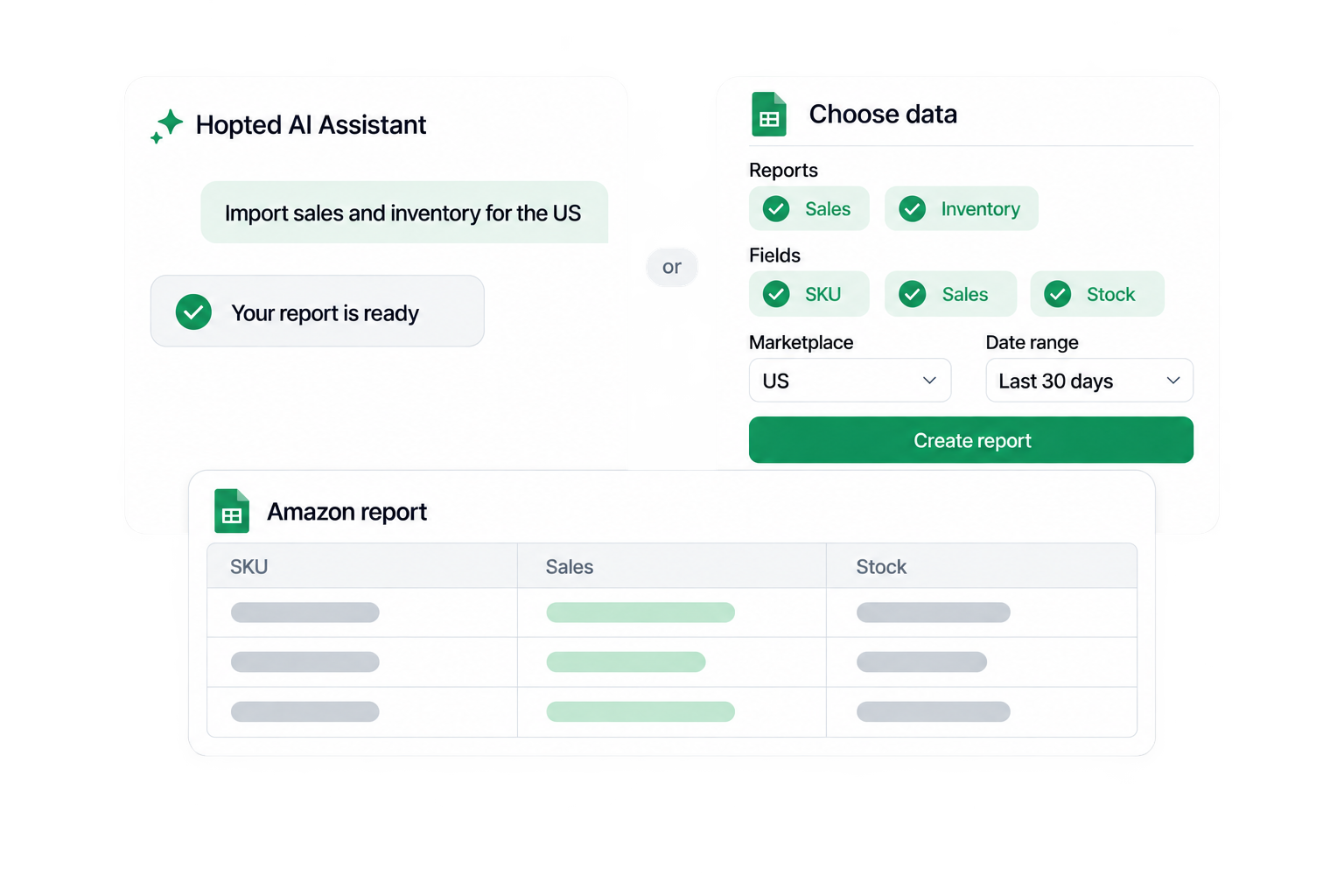
Tell the Hopted AI Assistant what you need in plain language, or point and click to choose reports, fields, marketplaces, and date ranges.
Hopted AI Assistant or point-and-click selection produces one shared Google Sheets report shown in front of both dialogs
Step 4

From here Hopted does the work

Scheduled runs keep your data up to date through a reliable Amazon to Google Sheets integration.
Amazon report with refreshed cells and an automatic daily schedule showing the last refresh succeeded

Repetitive spreadsheet work is holding your business back

So along came Hopted.

710+
Sellers, vendors and agencies who signed up for Hopted
1,720,000+
CSV imports replaced
817,560+
Unique ASINs managed
Try at no cost

Questions & Answers

Connect live Amazon marketplace data.