
Sponsored Products
Automate your Sponsored Products campaign reports. Track performance by campaign, ad group, keyword, and ASIN. Pull clicks, spend, sales, impressions, and calculate ACOS automatically.
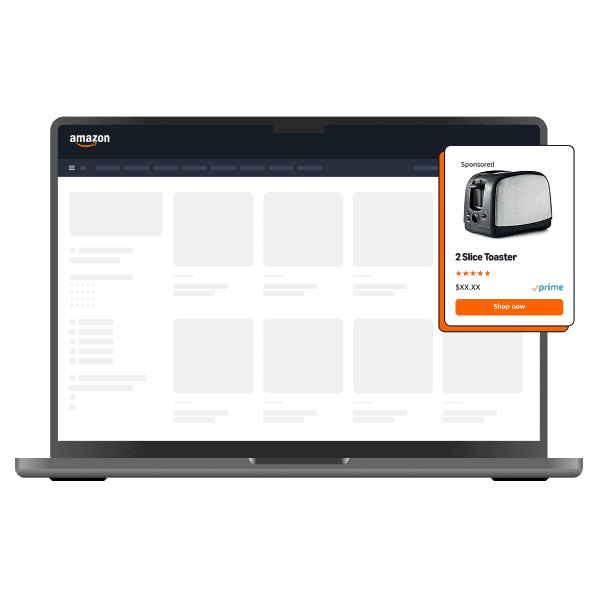





Track campaigns, optimize spend, and build custom ROAS dashboards—no code required.
 Without Hopted
Every day, you log into Amazon Seller Central, navigate the clunky Advertising Console, and manually download 5, 10, or 20 different reports. You copy-paste CSV data, fight with VLOOKUP, and pray the numbers are correct. By the time your report is done, it's already out of date.
 With Hopted
Hopted connects directly to the Amazon Advertising API and your Google Sheets account. Set your schedule once—daily, hourly, or on-demand—and Hopted automatically pulls all your campaign data into your spreadsheet. Get fresh, accurate data to make decisions, not build reports.
Pull comprehensive data from all your Amazon Ads campaigns. Hopted gives you the granular data you need to find optimization opportunities and scale your ads.
Automate your Sponsored Products campaign reports. Track performance by campaign, ad group, keyword, and ASIN. Pull clicks, spend, sales, impressions, and calculate ACOS automatically.
Connect your Sponsored Brands & Sponsored Brands Video data. Analyze top-of-funnel metrics, attribute sales to your brand-building efforts, and track new-to-brand (NTB) customer data.
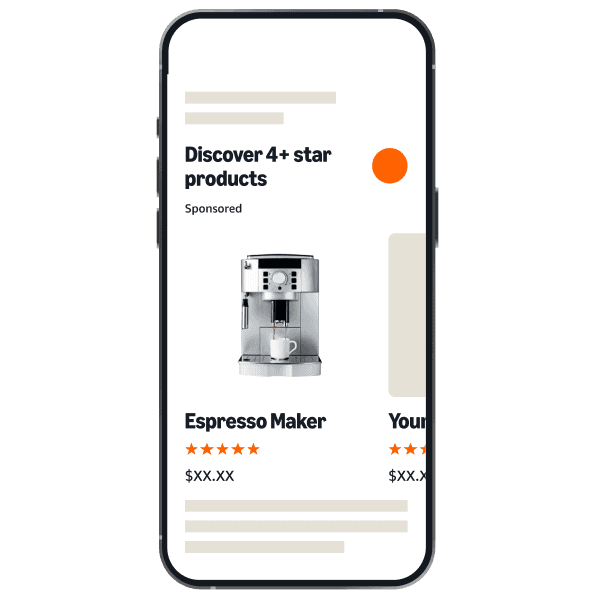

Integrate your Sponsored Display campaign data. Track performance by audience, ASIN targeting, and placements to understand your full-funnel impact.
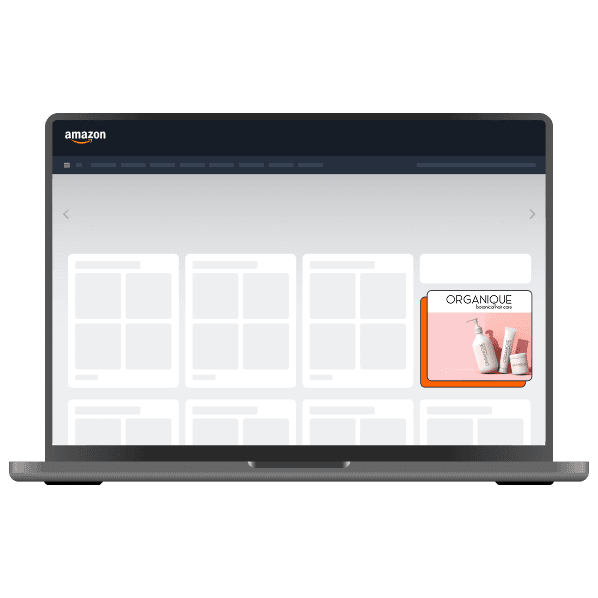
Get Placement reports to see where your ads are showing (Top of Search, Product Pages) and optimize your bids accordingly. Analyze targeting reports to refine your strategy.

Install the Hopted Google Sheets Add-on. Securely connect your Amazon Advertising profiles in just a few clicks. (This is separate from your SP-API connection).
Choose the Amazon Ads integration. Select the exact reports you need, like “Sponsored Products Campaign Report” or “Search Term Report.”
Choose your target sheet and set an automatic refresh schedule (e.g., “Refresh daily at 7 AM”). Your data will now update automatically, forever.
From data to decisions.